Wake to anything
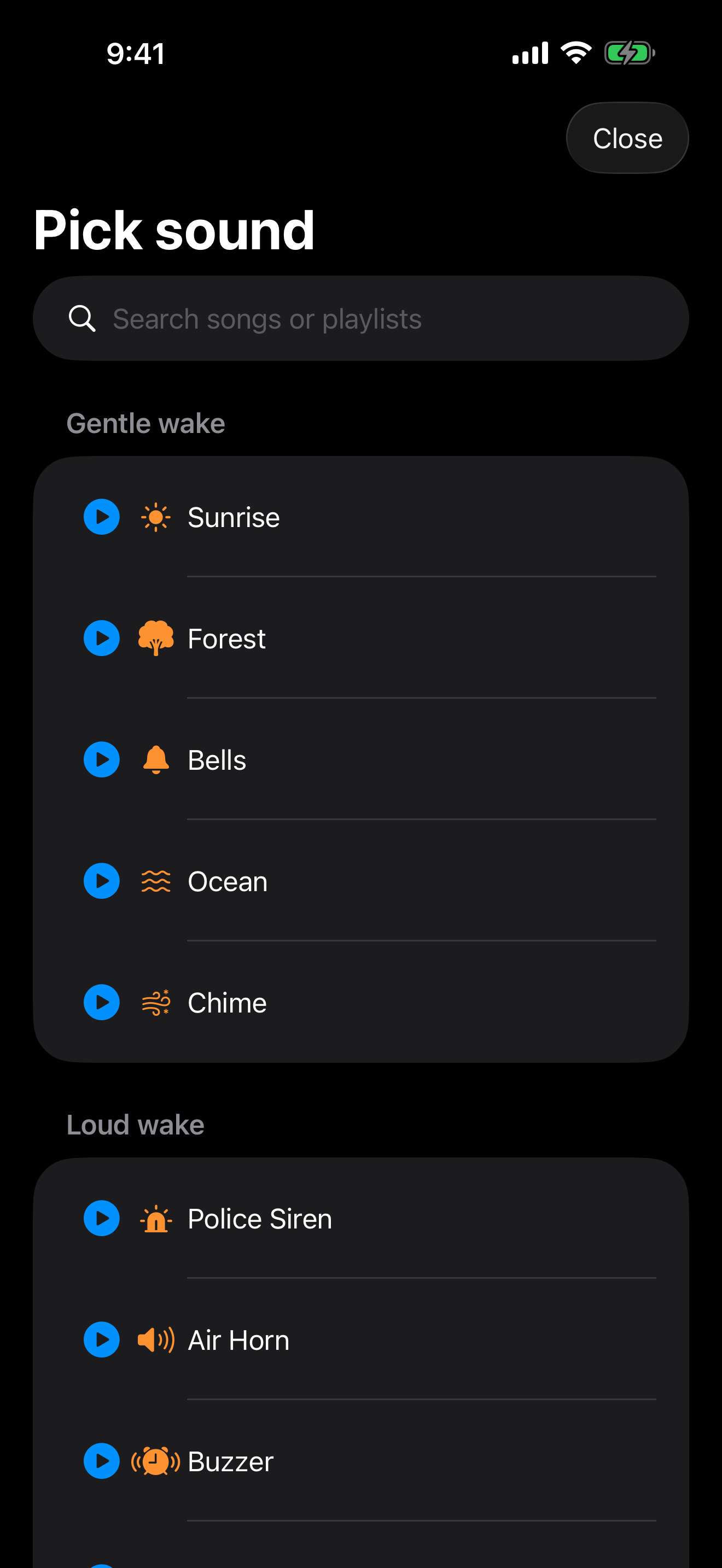
Spotify, Apple Music, YouTube, internet radio (30,000+ stations from Radio Browser), or 12 loud built-in tones from siren to chainsaw. Heavy sleepers welcome.
 Alarms Pro
New in iOS 26 — Built on AlarmKit
Wake to your Spotify playlist, Apple Music track, internet radio station, YouTube video, or one of 12 attention-grabbing built-in tones. Smart Wake during light sleep, fade-in volume, and challenges that make snoozing impossible.
Download on the App StoreFree to try • iPhone, iPad & Apple Watch
Features
Six things the default Clock app can't do.
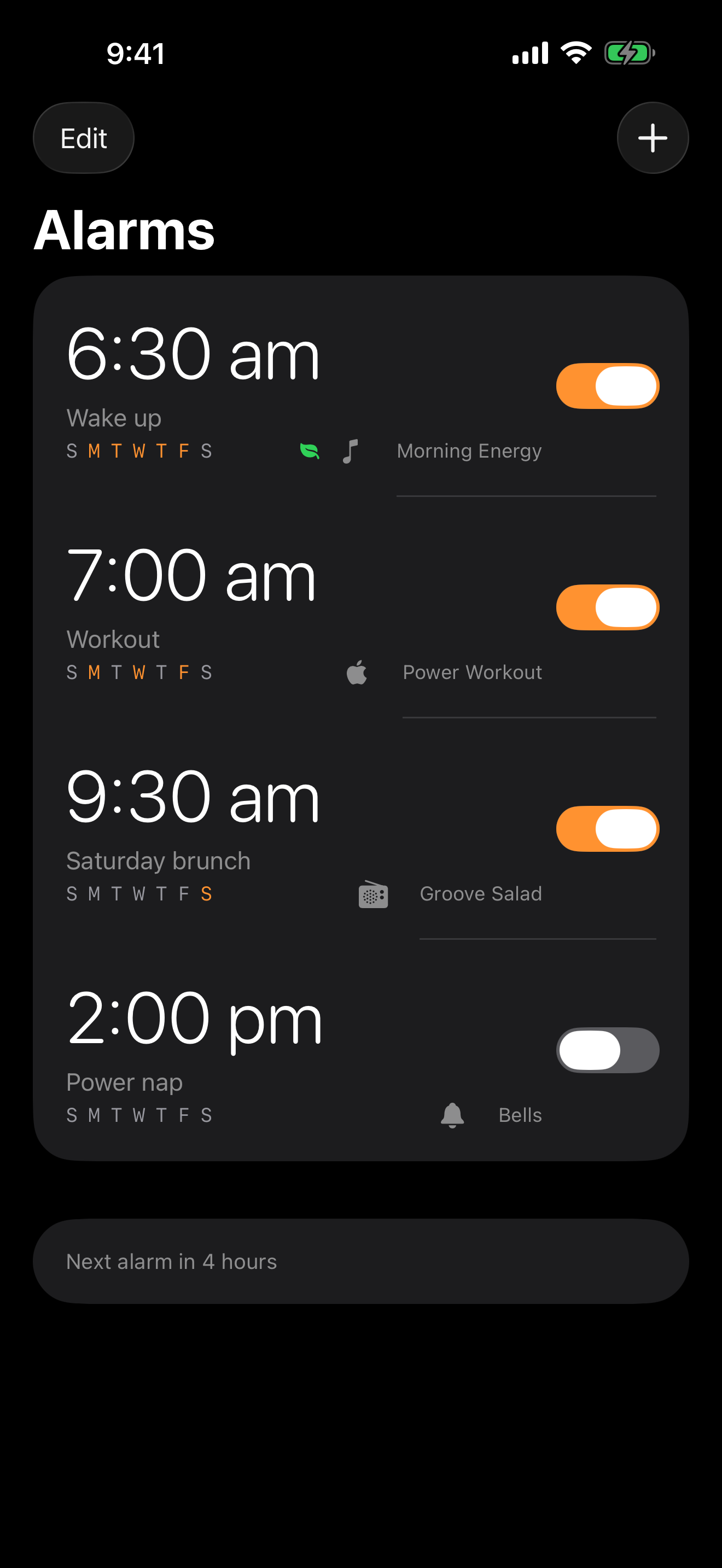
Spotify, Apple Music, YouTube, internet radio (30,000+ stations from Radio Browser), or 12 loud built-in tones from siren to chainsaw. Heavy sleepers welcome.
Uses your Apple Watch sleep tracking to wake you during light sleep, up to 30 minutes before your set time. Never wake groggy again.
Full-screen system alarms that bypass Do Not Disturb, Focus, and silent mode — exactly like Apple's Clock app. Your alarm always rings.
Solve a math problem, shake the phone 20 times, scan a barcode, take a photo, or repeat a memory pattern before the alarm will silence.
Gradual ramp from silent to wake-up loud over up to 5 minutes, plus a per-alarm max snooze count so you can't snooze your way through the morning.
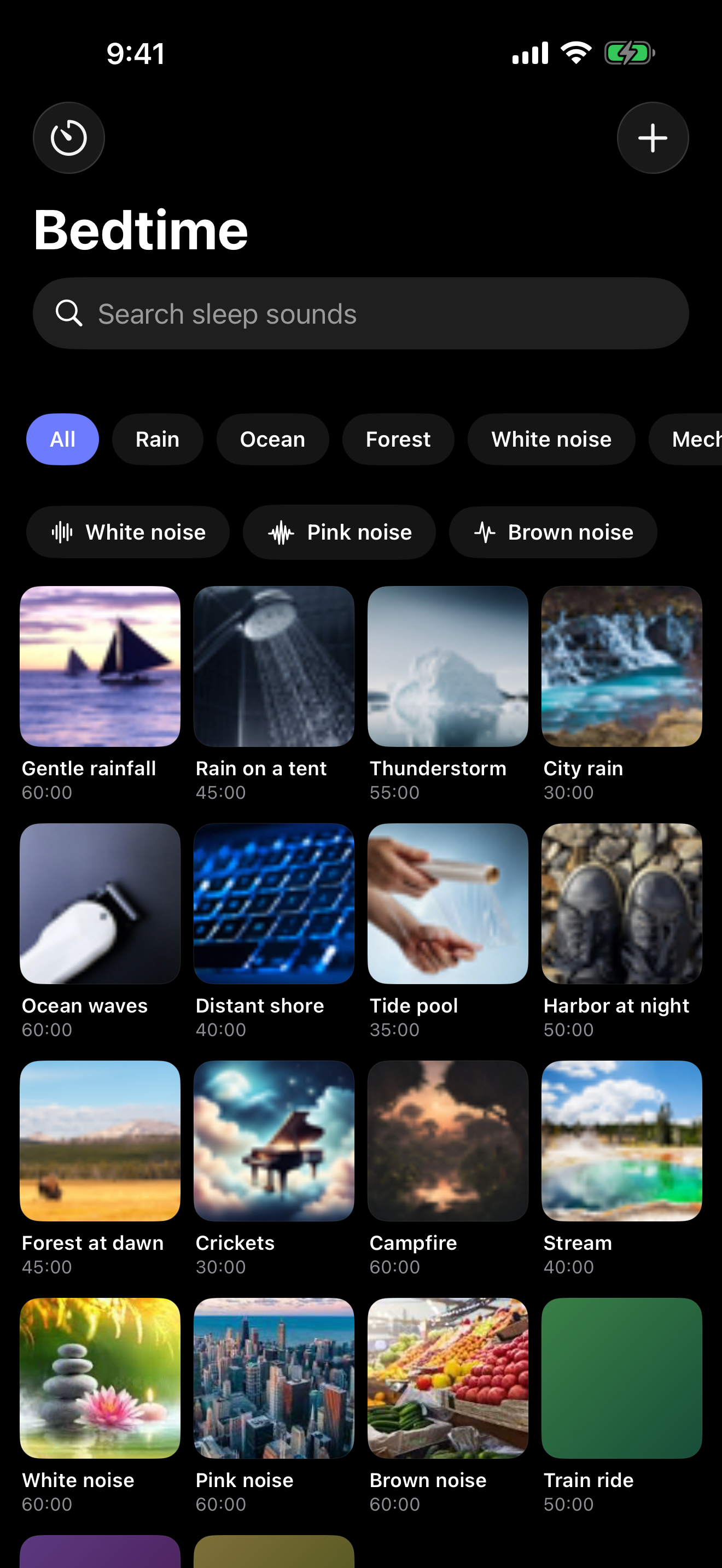
A second tab of CloudKit-backed sleep sounds — ocean, rain, fan, white noise, train rides — with a sleep timer that fades out at your chosen duration.
Why not just use Clock?
Apple's Clock app rings one of 25 jingles. That's the whole product.
| Alarms Pro | Default Clock | |
|---|---|---|
| Music & podcast alarms | ✓ | — |
| Internet radio (30,000 stations) | ✓ | — |
| Smart Wake during light sleep | ✓ | — |
| Wake challenges (math, shake, scan) | ✓ | — |
| Fade-in volume | ✓ | — |
| Per-alarm snooze limits | ✓ | — |
| Bedtime sound library | ✓ | — |
| Home-screen widget + Dynamic Island | ✓ | — |
| iOS 26 AlarmKit (bypasses DND) | ✓ | — |
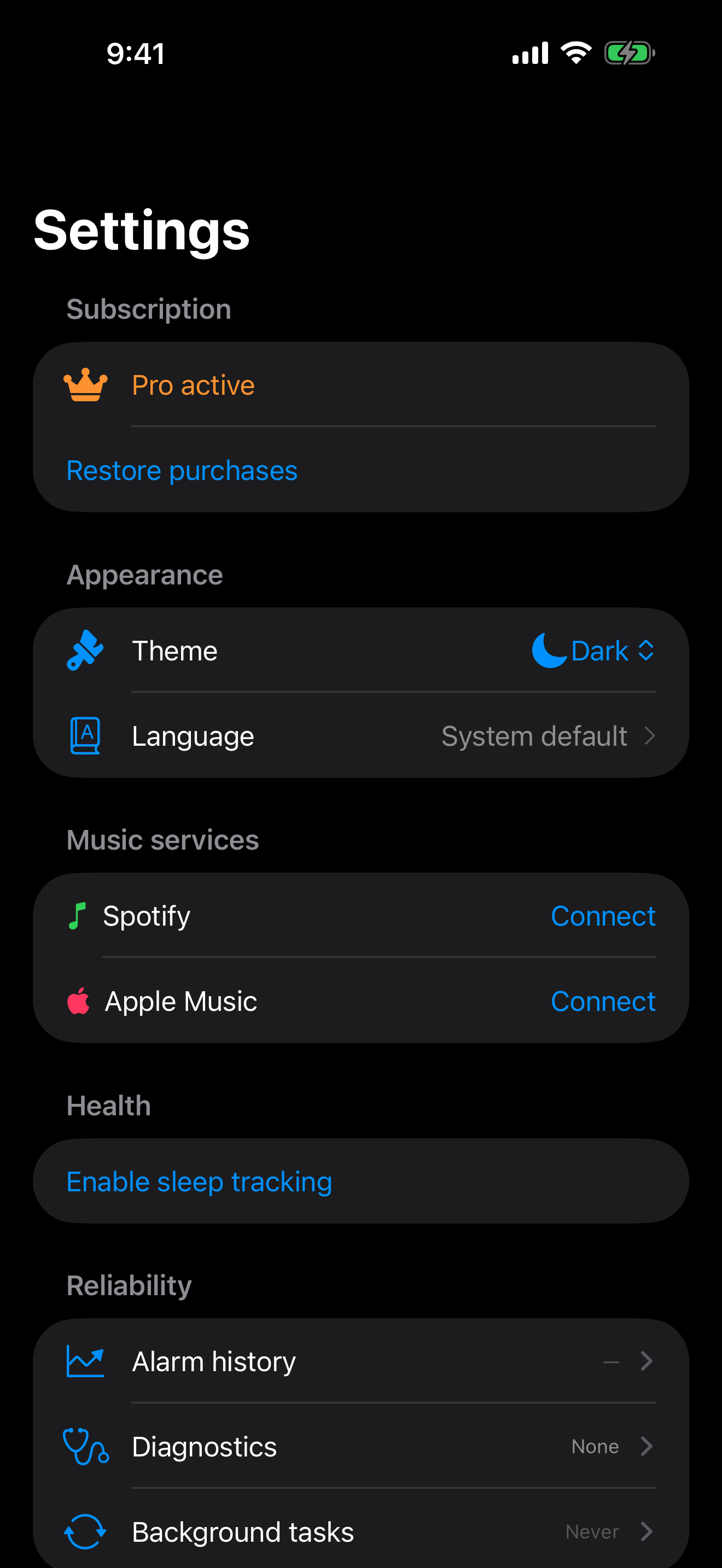
A quick tour
Pricing
No ads. No tracking. Cancel any time in your App Store account.
$0 forever
Two alarms. Math wake-challenge. 12 built-in tones. Try the bedtime sound library.
$39.99 per year
Unlimited alarms, all wake-source types, Smart Wake, every wake challenge, and every bedtime sound.
$79.99 one-time
Pay once. Get every Pro feature, forever — including future updates.
$9.99 per month
Same Pro features. Pay-as-you-go.
$4.99 per week
7-day free trial. Cancel anytime before the trial ends.
Subscriptions auto-renew unless cancelled at least 24 hours before the end of the current period. Manage subscriptions in your App Store account settings.
Questions
Free download. Pro is free for 7 days. Then $4.99/week, $39.99/year, or $79.99 once.
Get Alarms Pro